
Hamden VINELink Custody Coverage
VINELink is a public interface for participating custody records and status notifications. For Hamden County, it should be treated as a named-person check, not a local release list or a full archive. Hamden does not publish a county sheriff jail roster. A local arrest can end at the Hamden Police station, proceed to court, or enter Connecticut DOC custody, and each path may leave a different record.
Connecticut's statewide notification layer is called CT SAVIN. It works alongside the national VINE system, while the Judicial Branch Office of Victim Services maintains a separate confidential post-conviction notification process for eligible registered victims. The CT DOC Inmate Information Search remains the official public source for Connecticut correctional status fields.
VINELink does not cover federal Bureau of Prisons custody. A Hamden-area federal prisoner must be checked through the BOP Inmate Locator. Immigration custody has its own ICE locator. Keeping those systems separate prevents a “not found” result from being mistaken for release.
Note: VINELink checks participating custody data; it does not replace Hamden Police, DOC, court, BOP, or ICE records.
Search a Hamden Inmate on VINELink
Begin with the person's legal name and an identifier if known. Partial information can help locate spelling variations, but every match needs comparison. An age, date of birth, offender ID, facility, or custody state can separate two people with similar names.
- Open VINELink and select Connecticut.
- Search by the person's name or offender ID. Try exact spelling first, then a narrower partial form if needed.
- Compare the results by every available identifier. Do not choose a record based on name alone.
- Open the matching record and read the custody status, facility or location, offender ID, and listed custody events.
- If the result says released or not in custody, record the exact wording and the date or time if displayed.
- Confirm a release through CT DOC, Hamden Police Records, or the court when the timing, destination, or status is important.
- If no result appears, try CT DOC and court records before drawing a conclusion.
The official VINELink search interface is the source for the public named-person search.
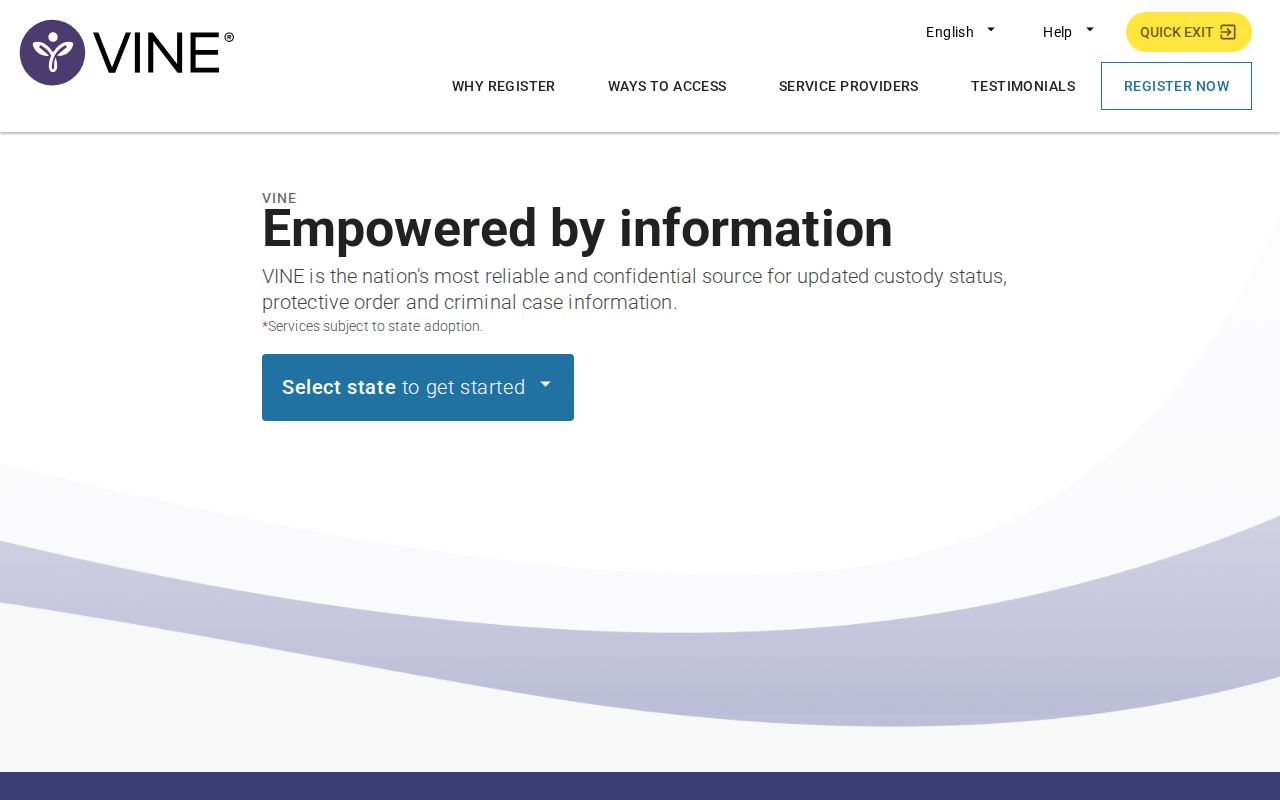
The interface can change, but the safe method remains the same: choose Connecticut, match the person, read the current event, and confirm through the originating office.
Hamden VINELink Release Fields
A VINELink result reflects what the participating source sends. Labels can vary by record and system. The wording should be copied exactly when checking a release because “released,” “not in custody,” and a changed location do not always carry the same meaning.
| Field | What it can show |
|---|---|
| Custody status | Whether the participating record shows active custody, release, or another status. |
| Facility or location | The reported place of custody, or the absence of an active facility after a release event. |
| Offender or person ID | An identifier used to distinguish the person from similar names. |
| Custody event | A transfer, release, or other status change reported by the source system. |
| Release date or time | The displayed event timing when that data is available. |
| Notification option | Whether alerts can be registered for future participating changes. |
CT DOC public records contain a wider correctional field set, including sentenced or accused status, current location, minimum release date, maximum release date, estimated release date, and detainer. A VINE event should not be used to overwrite those legal or sentence-computation distinctions.
For a local station release, Hamden Police Records may hold the decisive record. For a court release, the docket can show bond, conditions, disposition, probation, dismissal, or another order. The Hamden County release search sets out that source-by-source path.
Register Hamden Release Notifications
Registration begins only after selecting the correct person. The current interface may offer phone, email, or text contact. Choose the option shown for that record and keep the contact details current. Alerts report a supplied custody event; they are not advance guarantees of an exact gate-release time.
- Search for the person and open the matched record.
- Select the notification option offered in the current VINELink interface.
- Enter a phone number, email address, or text contact when available.
- For a phone alert, create the requested four-digit PIN.
- When an automated call arrives, listen to the event message and enter the PIN to confirm receipt.
- Update the registration if the phone number or email address changes.
Connecticut SAVIN materials explain that entering the phone PIN confirms receipt and stops repeated calls for that event. The PIN should be stored where the registrant can reach it. A new event may produce a later notice based on the active registration.
Hamden CT SAVIN Notification Layer
CT SAVIN adds a Connecticut-specific layer beyond the VINELink brand. The researched Judicial Branch and Office of Victim Services materials list CT SAVIN at 1-877-846-3428. They also list the OVS helpline at 1-800-822-8428 for confidential post-conviction notification forms used by eligible registered victims.
The public VINELink search and confidential OVS notification process serve related but distinct roles. VINELink lets a user check a participating named record and select available alerts. OVS handles the state's registered-victim process and can explain its forms and eligibility. Public search access should not be described as enrollment in the confidential OVS program.
That distinction is especially useful in Hamden. A local police arrest, a DOC sentence, and a post-conviction notification request may involve three different records. The caller should identify the case and custody stage before choosing Hamden Police, CT DOC, VINELink, CT SAVIN, or OVS.
Note: CT SAVIN and OVS add state notification routes, but neither is a general historic list of all Hamden releases.
Hamden Inmate Not Found Results
A failed VINELink search has several possible causes. The name may be spelled differently, the record may not participate, the person may never have entered DOC custody, or the case may be restricted. A fully discharged person may also be absent. Federal custody is outside VINELink, and a juvenile or sealed matter may not be public.
Start the fallback with the custody source. Hamden Police Records is the local route for a station arrest or release. CT DOC handles state correctional status. Judicial Branch records can explain bond, disposition, or probation. The BOP locator is the correct source for federal prisoners, while ICE has a separate detainee locator.
When the person appears in a Hamden daily arrest log but not in VINELink, the log proves only an arrest event. It does not show whether the person posted bond, received a promise to appear, went to court, entered DOC custody, moved to a hospital, or transferred to another authority.
Match Hamden Release Sources
VINELink is strongest when the person is in a participating system and the goal is a status alert. Other Hamden County release questions belong to the office that created the record. The source map keeps a state custody event from being confused with a local station release or a federal move.
| Custody path | Primary confirmation source | VINELink role |
|---|---|---|
| Hamden Police holding | Hamden Police Records and the court docket | May not contain the local station event |
| Connecticut DOC custody | CT DOC search, facility, or DOC FOI | Participating status check and alerts |
| Probation without DOC custody | Judicial Branch case and probation contacts | Not a probation-term database |
| Federal prison custody | BOP Inmate Locator and federal court | Not covered |
| Immigration custody | ICE Online Detainee Locator | Not the controlling locator |
A person can leave one row and enter another. A release from DOC to ICE custody, for example, is a DOC release event but not release from all government custody. A parole placement is also different from full discharge because supervision continues after the person leaves the correctional facility.
For Hamden Police cases, the court docket may be the only public source that explains what followed the arrest. It can show bond, release conditions, dismissal, nolle, probation, sentencing, or another disposition. VINELink should supplement that record, not replace it.
The same source rule applies when dates differ. VINELink may report when a participating custody event reached its system, while DOC and the court hold the underlying correctional and legal records. Record the alert time, then ask the source agency for the effective event date and destination. That comparison is more reliable than choosing whichever date appeared first online.
Confirm Hamden VINELink Releases
Data can lag, and a release event may not disclose the destination. Confirmation should come from the agency that created the custody record. Use Hamden Police Records for a municipal holding release, CT DOC or its FOI office for a state correctional release, and the court for the order or disposition that ended custody.
For state prisoners, compare VINELink with CT DOC status and release-date fields. “Estimated release date” is a computed field, not an actual release. A detainer can also mean the person left one custody but did not return to the community. For a federal case, skip VINELink and use BOP and federal court records.
A useful confirmation request states the person's full name, date of birth, offender or inmate number, facility, and event date when known. Ask whether the reported event was release to the community, parole placement, transfer, discharge, or movement into another agency's custody. This phrasing seeks the fact that a short online status may omit.
Keep the alert registration active until the source office resolves a conflict. Update stale contact details, retain the PIN for phone notifications, and note the exact wording and time of each automated message. Those details help the agency identify which event was transmitted.
Save the exact status wording, event time, identifier, and source. Then ask the originating office about conflicts or missing facts. This final check turns a useful alert into a verified Hamden County release record.